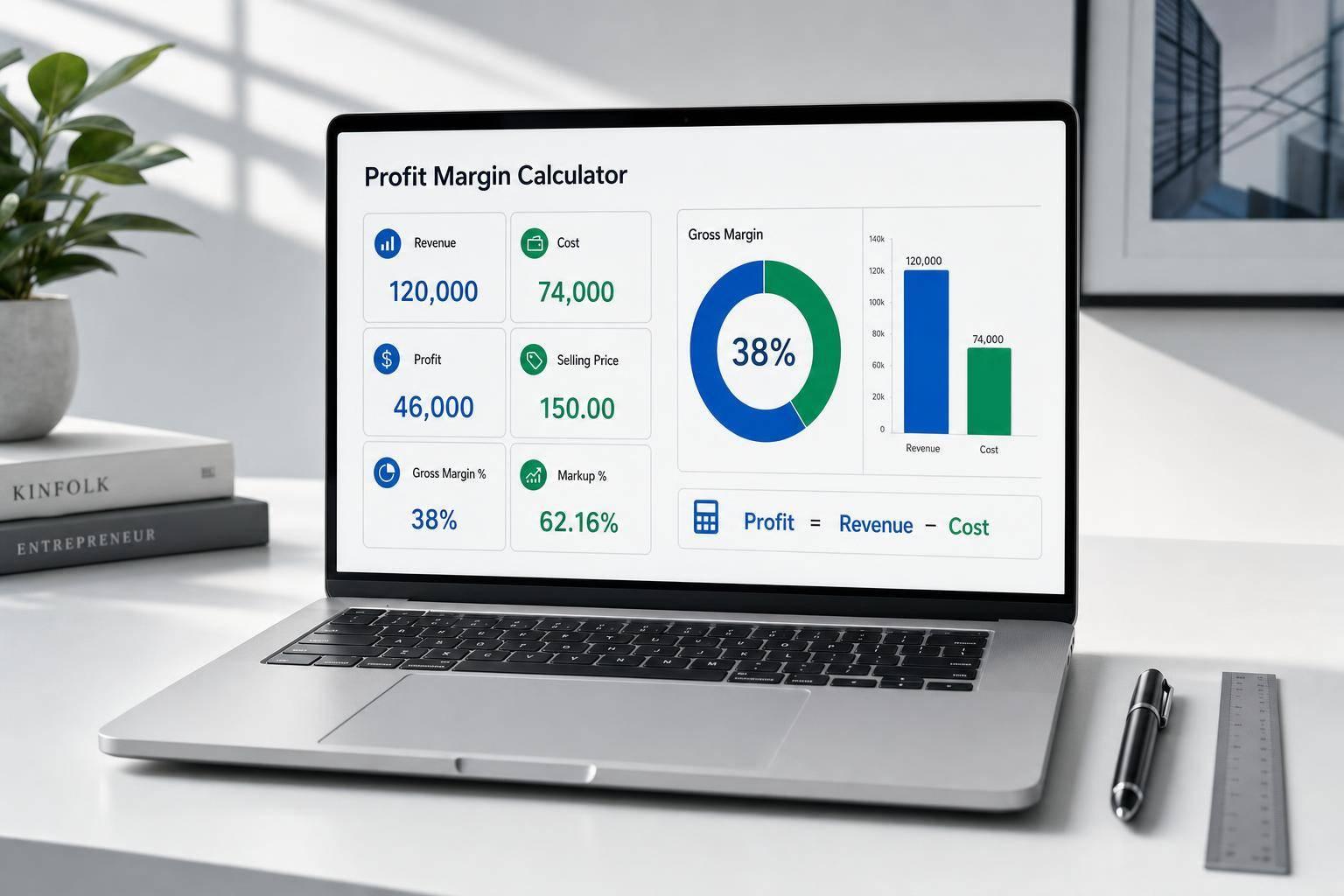
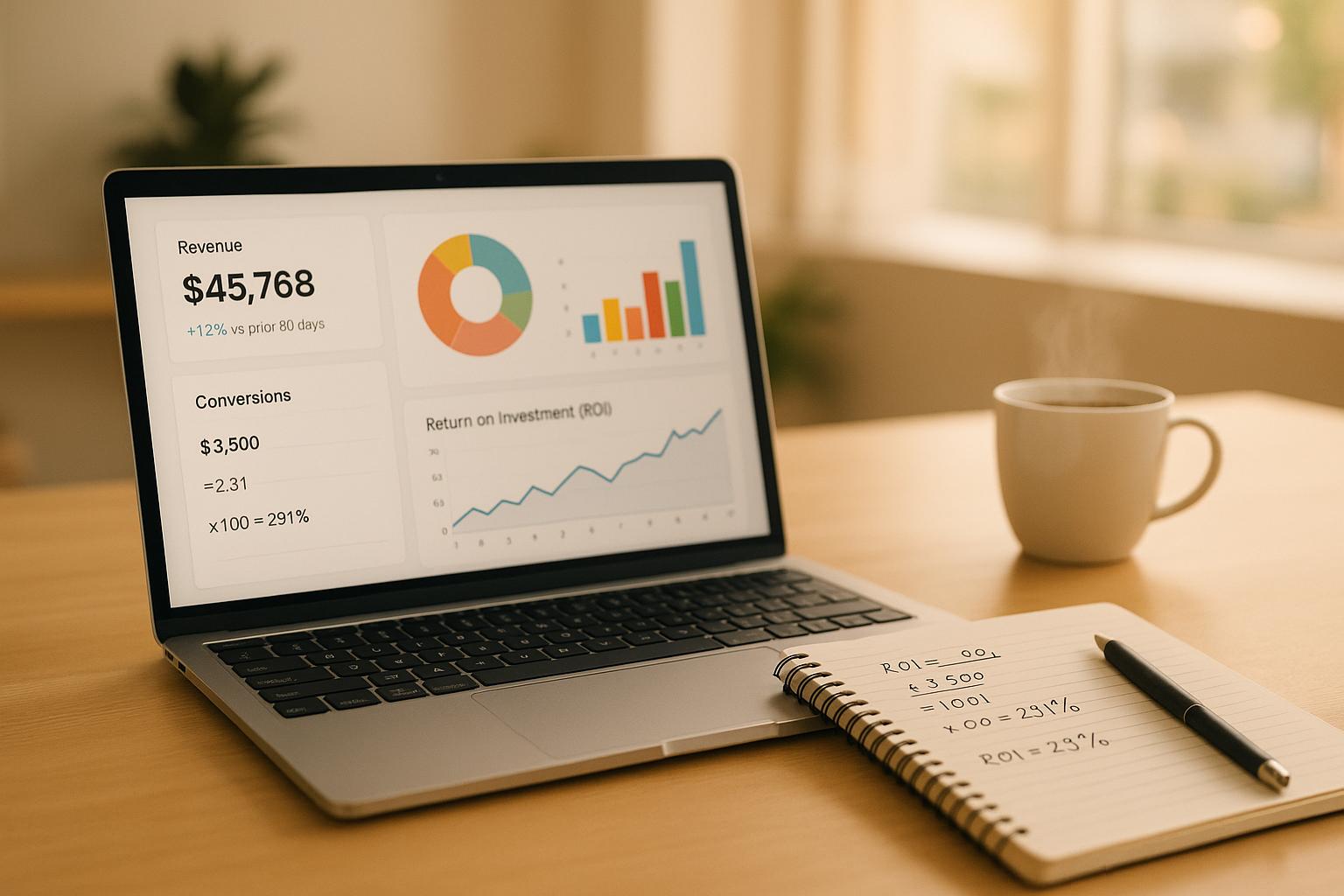
Plan Smarter With a Sales Forecast Calculator
A reliable Sales Forecast Calculator can save time, reduce guesswork, and give you a clearer view of what may happen next. Whether you're budgeting for the next quarter, setting a revenue goal, or checking how fast sales need to grow, this tool helps turn raw numbers into practical projections.
Three Ways to Forecast Future Sales
Not every business plans the same way, so this calculator supports multiple forecasting approaches. You can project sales with a fixed growth rate, use historical performance to estimate an average trend, or work backward from a target revenue number to find the growth required. That flexibility makes it useful for startups, sales teams, small business owners, and anyone building a simple revenue plan.
Clear Results Without Spreadsheet Headaches
Each forecast is shown period by period, so it's easy to follow the math and spot changes over time. You’ll also see total projected sales, the growth rate used, and a short explanation of the result. If needed, you can apply a seasonality adjustment to reflect recurring highs or lows.
For anyone comparing scenarios or building a more grounded sales projection, this sales forecast calculator offers a fast, practical way to model future performance online.
FAQs
What’s the difference between the three forecasting methods?
Straight growth projection starts with your current sales and applies the same growth rate to each future period. Average historical growth looks at your past sales values, calculates the growth between each period, then uses the average of those rates going forward. Target-based forecasting works backward from your desired sales goal and tells you the compound growth rate needed to reach it within the number of periods you choose.
Can I use negative growth rates in the calculator?
Yes. Negative growth can be useful if you want to model a slowdown, contraction, or a more conservative sales outlook. The tool allows negative rates where they make sense, such as straight growth and seasonality adjustments, while also preventing invalid results from being shown. That way, you can test downside scenarios without breaking the calculation.
How should I use the seasonality adjustment?
Seasonality adjustment is best used when you expect sales to be consistently higher or lower than the base forecast because of recurring patterns. For example, if a business typically sees stronger holiday demand or slower summer months across the forecast horizon, you can add a percentage adjustment to reflect that effect. It’s a simple way to make projections feel more realistic without turning the tool into a full financial modeling system.